
SCADA Without the Headache
What modern remote monitoring should actually look like for water and wastewater, without the vendor lock-in and the alarm fatigue.
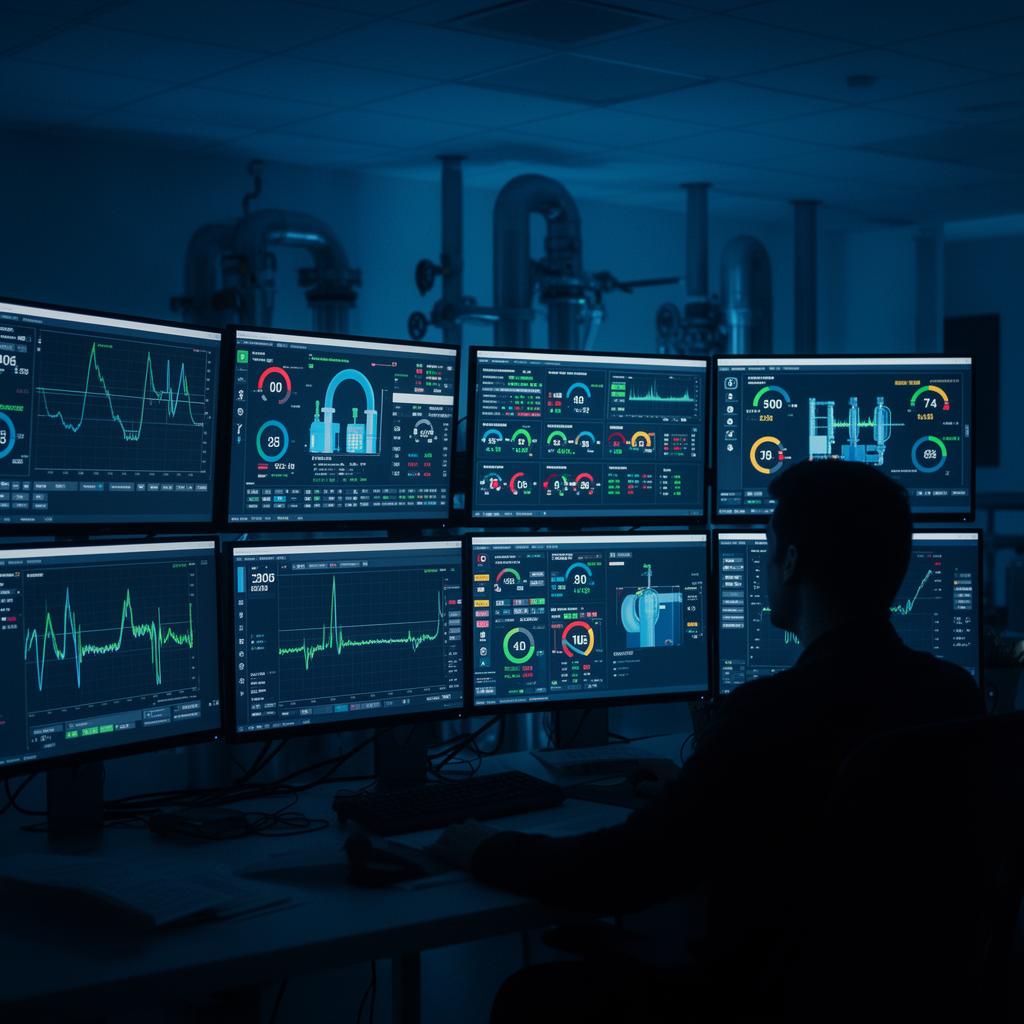
Good SCADA disappears. It tells you only what you need to know, when you need to know it, usually from your phone, often in the field, sometimes at 2 a.m. Bad SCADA does the opposite. It floods operators with nuisance alarms, locks the utility into a single vendor's proprietary stack, breaks every time someone updates a workstation, and produces reports that nobody trusts. The difference between the two is almost never the brand of the hardware. It is the discipline applied during design, the choices made about protocols and architecture, and the willingness of the integrator to do the unglamorous tuning work after the system is live.
Dakota Pump has been designing and deploying SCADA for water and wastewater utilities long enough to have made every mistake worth making. This article is what we have learned, presented as a set of principles rather than a product brochure, because the right answer for a 200-connection rural water co-op looks very different from the right answer for a regional wastewater authority with sixty lift stations. The principles travel; the specific hardware does not.
Start with the operator, not the technology. The first conversation we have on any SCADA project is not about PLCs or radios or cloud platforms. It is about who actually answers the alarms, where they are when the alarms come in, what decisions they need to make in the first five minutes of an event, and what information they need in front of them to make those decisions confidently. The answers to those questions drive every architectural decision that follows. A two-person utility with a single operator on call needs a system that fits on a phone screen and prioritizes ruthlessly. A larger utility with a dispatch desk and a roving crew needs a system that routes the right alarm to the right person and gives the dispatcher enough context to coordinate the response.
The corollary is that SCADA is a tool for operators, not a tool for engineers. The screens that look most impressive at a vendor demo are often the screens that age worst in production, because they were designed to be looked at once rather than used eight hours a day. We design our HMI screens around the tasks an operator actually performs: acknowledging an alarm, silencing a pump, raising a setpoint, confirming a transfer to standby power. Everything else is one click away rather than on the primary screen.
Pick open protocols and mean it. The single largest source of regret in industrial control systems is vendor lock-in. A utility that standardizes on a proprietary protocol because the original integrator pushed for it inevitably discovers, five or ten years later, that the only people who can service the system are the original integrator's employees, and that the cost of integrating any new device has tripled. Modbus TCP, OPC UA, MQTT with Sparkplug B, and BACnet IP are all open, well-documented, and supported by every major vendor. Build on those and the utility retains the ability to choose its integrator, its hardware, and its software independently for the life of the system.
The same logic applies to historians and reporting. Time-series data is the most valuable thing a SCADA system produces, and locking it inside a proprietary database is a slow-motion mistake. Modern historians export to standard formats, support SQL queries against the underlying store, and integrate with whatever business intelligence tool the utility already uses for billing and asset management. If a vendor will not commit to those capabilities in writing, that is the answer to the question of whether to use that vendor.
Push logic to the edge. The most common failure mode in cloud-connected SCADA is the moment the cloud is not connected. A station that depends on a remote server to make local control decisions will stop making them the instant a cellular tower reboots or an ISP has a bad day. The architecture we use puts every control decision in the local PLC, treats the cellular gateway as a transparent communication path, and treats the cloud dashboard as a window into the station rather than a brain for the station. If the link drops, the station keeps running, the alarms keep firing locally, and the operator gets a notification through whatever backup path is configured. When the link comes back, the historian backfills.
This sounds obvious and it is routinely violated in practice, especially in systems sold as turnkey IoT solutions. The question to ask any vendor is simple: if your cloud is down for an hour, what stops working at the station. If the answer is anything other than the dashboard, the architecture is wrong for critical infrastructure.
Design alarms for response, not for completeness. The fastest way to make a SCADA system useless is to alarm on everything. Operators learn to ignore an alarm list that scrolls, and once they have learned to ignore it, the one alarm that actually matters scrolls past with the rest. Every alarm in the system should have a defined response, a defined responder, and a defined acknowledgment path. If the response is do nothing, the alarm should not exist; it should be a log entry instead. If the responder is the same person regardless of the alarm, then alarm priorities are the only useful information in the notification.
We use a three-tier alarm philosophy on most systems. Priority one alarms wake people up; they require immediate action and they go to a phone with audible notification that bypasses do-not-disturb. Priority two alarms email the on-call operator and post to the dashboard but do not page; they require action within a shift. Priority three alarms log to the historian and appear on a daily review screen; they require attention within a week. Every alarm gets categorized during design, with the operator in the room, and the categorization is reviewed annually because what was a priority one alarm during the first year may have become a routine event by year three.
Per-operator routing is the other half of useful alarms. The wastewater foreman should not get paged for a water booster station setpoint deviation, and the on-call electrician should not get paged for a routine pump cycle imbalance. Modern notification platforms support on-call rotations, escalation chains, and per-alarm routing rules. Use them. The alternative is alarm fatigue, which is the leading cause of missed events in every utility we have ever audited.
Standard delivery on a Dakota Pump SCADA package includes a cellular gateway with a backup network path, a hardened PLC sized for the station with at least twenty percent spare I/O, an HMI sized to the operator's actual workflow, a cloud dashboard accessible from any browser or phone, email and SMS alarming with acknowledgment, and a historian with at least one year of high-resolution data retention. From that baseline we can add a local historian for utilities with strict data sovereignty requirements, an on-premises HMI workstation for utilities with staffed control rooms, integration with the utility's existing CMMS for automatic work order generation, advanced reporting for regulatory compliance, and remote engineering access for our service team to support the station without a truck roll.
Cybersecurity is not an add-on. Every station ships with the default credentials changed, the unused protocols disabled, the firewall configured to allow only the specific traffic the system needs, and the remote access path routed through an authenticated VPN rather than an open port. We update firmware on a defined schedule, document the patch level of every device, and provide the utility with an asset inventory that satisfies the documentation requirements of the AWIA, the EPA, and any applicable state regulations. Utilities that have not yet completed their AWIA risk and resilience assessment can use the inventory we provide as the starting point for the assessment.
Commissioning a SCADA system is where the difference between a working system and a frustrating system gets decided. We sit with the operator for at least a full day after the station is live, walk through every screen, trigger every alarm, and tune every notification rule based on what the operator actually wants. We watch the system through a full cycle of normal operation and through a planned exercise of every failure mode we can simulate safely. We document the final configuration, hand over the source code for the PLC and the HMI, and leave the utility with full administrative access to its own system. The utility owns the system. We are available when needed and out of the way when not.
After commissioning, the highest-value thing a utility can do is review the alarm log monthly. Which alarms fired, which were acknowledged immediately, which were silenced without action, which repeated. A monthly review takes twenty minutes and catches the slow-developing problems that would otherwise become emergencies. It also catches the alarms that have lost their value, which is the cue to recategorize them or eliminate them. A SCADA system that is reviewed and refined regularly gets better every year. A SCADA system that is installed and forgotten gets worse every year, and the rate of degradation accelerates as the original integrator's institutional memory leaves the utility.
Two final pieces of advice for any utility considering a SCADA upgrade. First, do not try to do everything in one project. The most successful deployments we have done started with a single station or a small group of stations, proved the architecture and the operator workflow in the field for six to twelve months, then expanded based on what was learned. The least successful deployments tried to migrate sixty sites in one summer and discovered, the hard way, that the assumptions baked into the design did not survive contact with reality. Phased rollouts cost slightly more in mobilization but save dramatically more in rework.
Second, choose the integrator before you choose the hardware. A mediocre integrator with good hardware delivers a mediocre system. A good integrator with adequate hardware delivers a system that gets out of the operator's way and stays out of the way for years. Ask any vendor for the contact information of three utilities they delivered to more than five years ago, and call those utilities. The conversation will tell you everything the proposal cannot.
Dakota Pump's controls team is happy to walk an existing SCADA system with a utility, audit the alarm philosophy, review the cybersecurity posture, and identify the highest-leverage improvements without obligation. We are equally happy to design and deliver a new system from scratch. Either way the goal is the same: SCADA that the operator forgets about most of the time, and trusts completely when it matters.